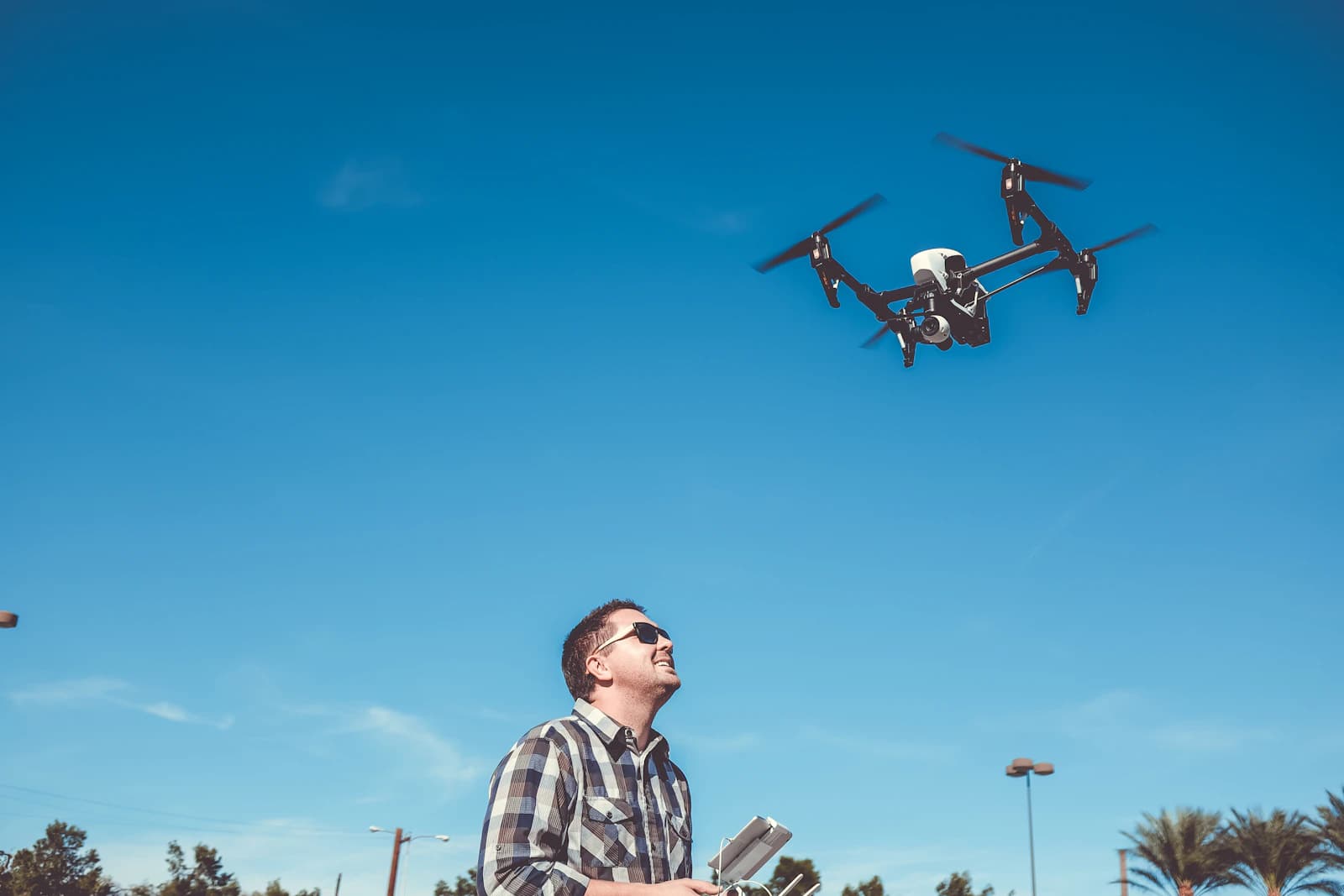
Experienced pilots run through pre-flight checks almost automatically. As a beginner, a written checklist helps you avoid small, preventable mistakes before they turn into problems in the air.
Key takeaways
- Split the checklist into four moments: before you leave home, at the flight location, just before takeoff, and after landing. Doing it in the same order every time is what makes it a habit.
- Manufacturer checklists agree on the basics: fully charged batteries, propellers in good condition and mounted securely, a working gimbal and clean lenses and sensors, and current firmware.
- Set return-to-home altitude above the tallest obstacle on your route, and check that maximum altitude and distance match your local rules.
- Check weather, airspace and legal requirements before you drive to the site. The rules differ by country; in the US the FAA publishes them for recreational flyers and for Part 107 pilots.
Before you leave home
- Charge the aircraft batteries, the remote controller and your phone or tablet. DJI's checklist says to make sure the remote controller, mobile device and flight battery are fully charged.
- Update the app and aircraft firmware at home on a good connection. DJI's safety guidelines say to make sure the app and aircraft firmware are updated to the latest version.
- Check current and forecast weather for the time you will actually fly: gusts, precipitation, visibility and temperature. The guide on which weather data to check lists them in order, and the FlyDroneMap dashboard shows current conditions, a 24-hour hourly timeline and a best flying window.
- Check airspace and legal requirements. In the US, the FAA's B4UFLY service shows where recreational flyers can and cannot fly, and the FAA says recreational flyers must complete TRUST and carry proof, register aircraft weighing 250 grams or more, and obtain authorization in controlled airspace. See the US regulations page for the overview. Other countries have different rules, so look up your own regulator.
At the flight location
- Choose an open area away from people and obstacles. DJI notes that buildings, mountains and trees may block the satellite signal and affect the onboard compass, and its manual requires flying within visual line of sight.
- Remove protective devices such as the gimbal cover and propeller holders.
- Inspect the propellers. DJI's manual says to make sure all propellers are in good condition before each flight and not to use aged, chipped or broken ones. Confirm that the battery and propellers are mounted securely.
- Unfold the aircraft arms and check that nothing obstructs the motors.
- Check that the gimbal and camera work normally and that the camera lenses and sensors are clean.
- Use genuine or manufacturer-authorized parts.
- If the app asks you to calibrate the compass, follow the on-screen instructions and the manual, away from large metal objects.
Just before takeoff
- Power on the remote controller and the aircraft in the order your manual gives. DJI's manual lists the controller first, then the aircraft.
- Confirm the app is connected to the aircraft and wait for a strong satellite signal. DJI's manual says the home point is recorded at takeoff as long as the aircraft has a strong signal or sufficient lighting, so wait for the confirmation in the app.
- Check the settings in the app: obstacle avoidance behavior, maximum altitude, maximum distance and automatic return-to-home altitude, all set according to local laws and regulations. DJI recommends setting the return-to-home altitude higher than all obstacles. The guide on return-to-home settings explains why this matters.
- Look at the area around you: people, vehicles, trees and power lines on your planned route.
- Take off and hover a meter or two above the ground for a few seconds. If the aircraft drifts, behaves oddly or the video link is poor, land and investigate before climbing.
After landing
- Power off the aircraft first and then the remote controller, as DJI's manual describes.
- Write down anything unusual, such as a warning message, a vibration or a weak signal, and check it before the next flight.
- Look the propellers and battery over again and store the equipment as your manual advises.
A pilot's checklist in one table
| Moment | Check |
|---|---|
| Home | Batteries, controller and phone charged; firmware updated; weather; airspace and legal requirements |
| Site | Open area; protectors removed; propellers and battery secure; arms unfolded; gimbal, lenses and sensors clean |
| Takeoff | Controller then aircraft powered on; app connected; strong satellite signal; return-to-home altitude and limits set; short hover |
| Landing | Aircraft off first, then controller; notes on anything unusual |
Common mistakes
- Skipping the checklist on short or repeat flights because it feels unnecessary.
- Updating firmware at the flight site, on a weak connection, minutes before flying.
- Leaving the return-to-home altitude at a value that does not clear nearby trees or buildings.
- Launching from a spot with buildings or trees overhead and then waiting too little for the satellite signal.
- Checking the weather once, hours earlier, and not again at the site.
Rules for US pilots
In the US, recreational flyers follow the FAA's recreational rules. Pilots flying under Part 107 must also meet 14 CFR 107.49, which requires a preflight assessment of the operating environment including local weather, a check that the control link works, enough power to reach a normal landing, and that anything attached to the aircraft is secure. This checklist is a general guide, not legal advice; follow the instructions of your own regulator and the manual for your aircraft.
FAQ
How long does a pre-flight check take?
Once it is a habit, the whole sequence takes a few minutes. The time is small compared with the cost of a crash or an airspace violation.
Do I need to calibrate the compass every flight?
No fixed rule applies to all aircraft. Calibrate when the app prompts you to, following your manual, and avoid doing it near large metal objects.
Should I update firmware right before flying?
It is better to update at home, with a stable connection and time to check that everything works, rather than at the launch site.
Where do I check whether I can fly at my location?
In the US, the FAA's B4UFLY service shows where recreational flyers can and cannot fly. Outside the US, use your national aviation authority's official tool.