FlyDroneMap — Live Drone Weather & Kp Index
Search any location for live wind, gusts, visibility, the latest Kp index, and (US) FAA altitude ceilings — everything you need to plan a safer drone flight.

How to Use FlyDroneMap
- 1.Search for a city, airport, or landmark, or tap "Use my location" to check conditions right where you are. The airspace information and the regulation link you see depend on the country of the selected location.
- 2.Review live wind speed, wind gusts, visibility, and temperature, plus the wind at 10 m, 80 m, and 120 m above ground. Gusts matter more than the average wind speed, and wind is often stronger at higher altitude. The banner at the top combines the gust and the Kp index into one general reading: gusts under 5.6 m/s are good, 5.6 m/s up to 9.7 m/s call for caution, and 9.7 m/s or more is not recommended.
- 3.Check the planetary Kp index to see whether geomagnetic activity might affect your GPS lock or compass heading. A Kp below 4 is quiet, 4 up to 5 is unsettled, and 5 or higher is storm level, where GPS accuracy and compass reliability can drop.
- 4.Use the airspace card and the airspace layers on the map to see the restricted areas of the selected country, and confirm the latest rules with the official authority through the regulation button. In the US, see the FAA UAS Facility Map altitude ceiling for the area — then confirm authorization through LAANC or FAADroneZone before you fly.
- 5.Use the 24-Hour Flight Conditions forecast to find the best time window. Each hour is rated good, caution, or not recommended from the forecast gusts, precipitation (caution from 0.1 mm per hour, not recommended from 0.5 mm), and visibility (caution under 5 km, not recommended under 1 km). The summary above the cards shows the longest good stretch, in the local time of the selected location. The current reading and the forecast for the current hour may not match exactly, so small differences can appear. This rating does not include the Kp index, airspace rules, or night-flying regulations, so check those separately.
- 6.In "Wind Check for Your Drone", pick your drone model to compare the current gust with the manufacturer's official maximum wind speed. Below 50% of that figure is good, 50% or more calls for caution, and 70% or more is not recommended. Your choice is also applied to the 24-hour forecast and is stored only in this browser.
- 7.Treat every rating as a reference only. Aircraft condition, battery, payload, local rules, and night-flying requirements are not included, so the final decision and responsibility remain with the pilot. The guides on this site explain the thresholds and background in more detail.
Explore the Guides
Practical guides on flight safety, weather judgment, and drone regulations.
DJI Mini 5 Pro Wind Resistance: Official vs Real
DJI lists 12 m/s (43.2 km/h) as the Mini 5 Pro's maximum wind speed resistance. See the official specs and how FlyDroneMap judges real wind and gusts.
6 min read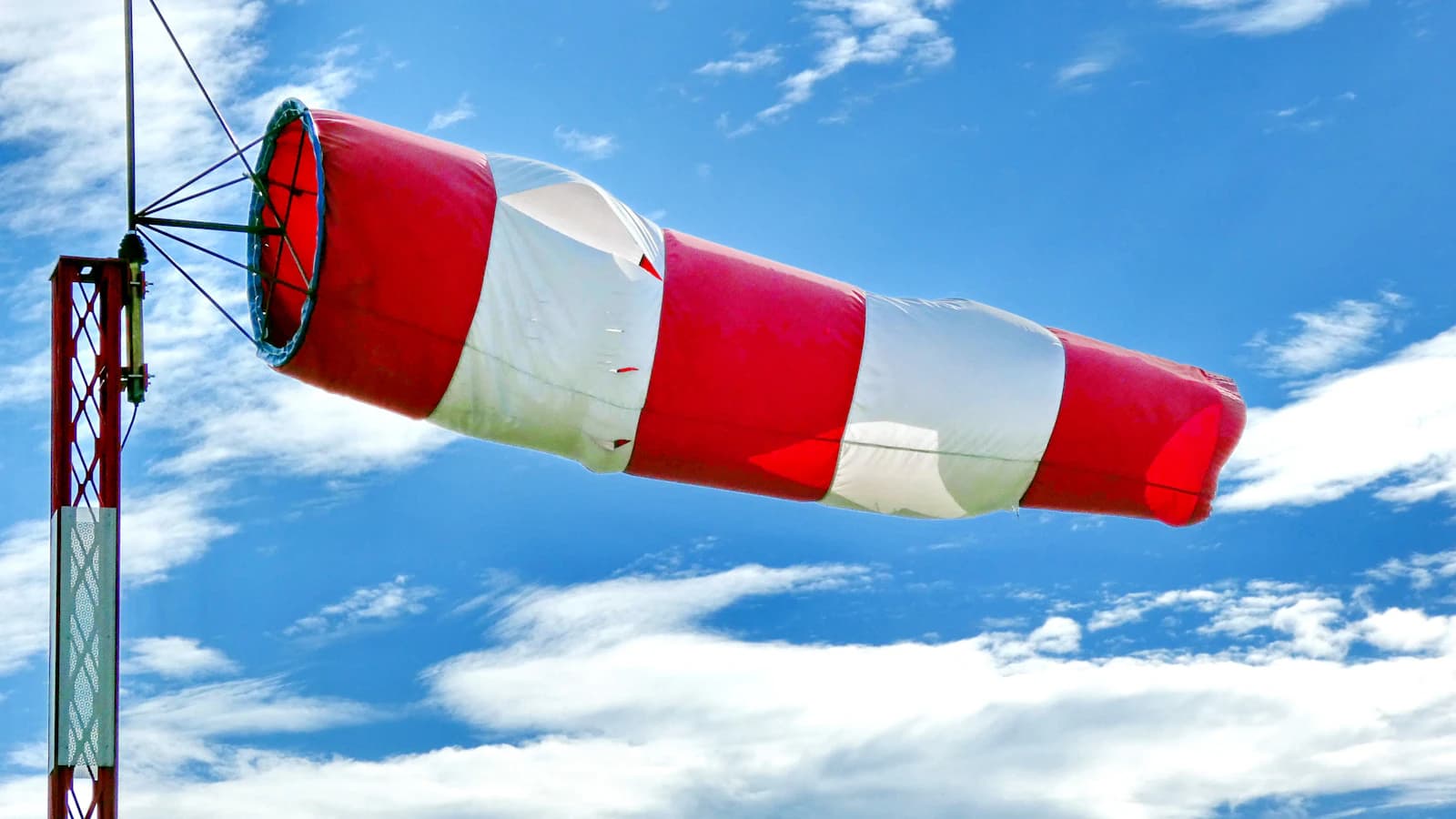
Wind & Gust Checklist Before a Drone Flight
A practical checklist for judging whether wind is safe to launch in: sustained speed, gust spread, wind direction, rules of thumb, and a final pre-flight check.
7 min read
South Korea Drone License and Registration Guide
What to check for legal drone flights in South Korea: registration criteria, where to check pilot certificate requirements, flight authorization, and the aerial-filming application that checks for prohibited-photography facilities.
6 min read
How to Get a Part 107 Waiver
What an FAA Part 107 waiver covers, why BVLOS and moving-vehicle requests need a detailed safety case, and how to build one reviewers accept.
10 min read
Return-to-Home Settings Explained
How return-to-home works on DJI aircraft such as the Mini 4 Pro: three triggers, RTH altitude, home point recording, low battery and signal loss, and boat launches.
6 min read
Night Flying Rules for Drone Pilots
What 14 CFR 107.29 requires for Part 107 night flights: training, anti-collision lighting visible for 3 miles, civil twilight, and the limits of eyesight.
6 min readFrequently Asked Questions
Quick answers about our data sources, the Kp index, and how to use FlyDroneMap.
Where does the weather data come from?+
Wind speed, gusts, visibility, and temperature come from Open-Meteo's public weather API, updated frequently throughout the day.
Is FlyDroneMap free to use?+
Yes, completely free. The site is supported by ads and occasional affiliate links, which never affect the accuracy of the data shown.
Is FlyDroneMap a substitute for FAA flight authorization?+
No. The airspace ceiling shown here comes from the FAA's public UAS Facility Map data and is for planning reference only. You must still obtain authorization through LAANC or FAADroneZone where required before flying.
Does FlyDroneMap work outside the United States?+
Wind, visibility, and Kp index data work worldwide. The FAA airspace ceiling feature is US-specific, since it's sourced from FAA data — outside the US it will show no data for that card.
Related tool
Planning a long-exposure shot after your flight? Calculate the right ND filter exposure time for your aperture and ISO.
ND filter exposure calculatorGear Recommendations
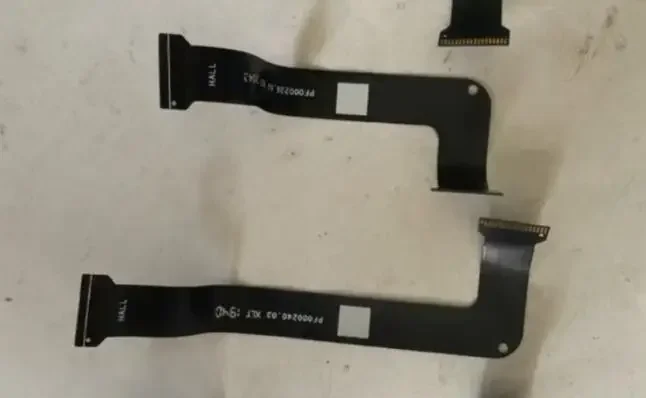
Remote control With screen joystick gimbal board flexible cable suit for dji t20 T30 Mavic2 mavic 2 RC Drone repair
USD 16.8
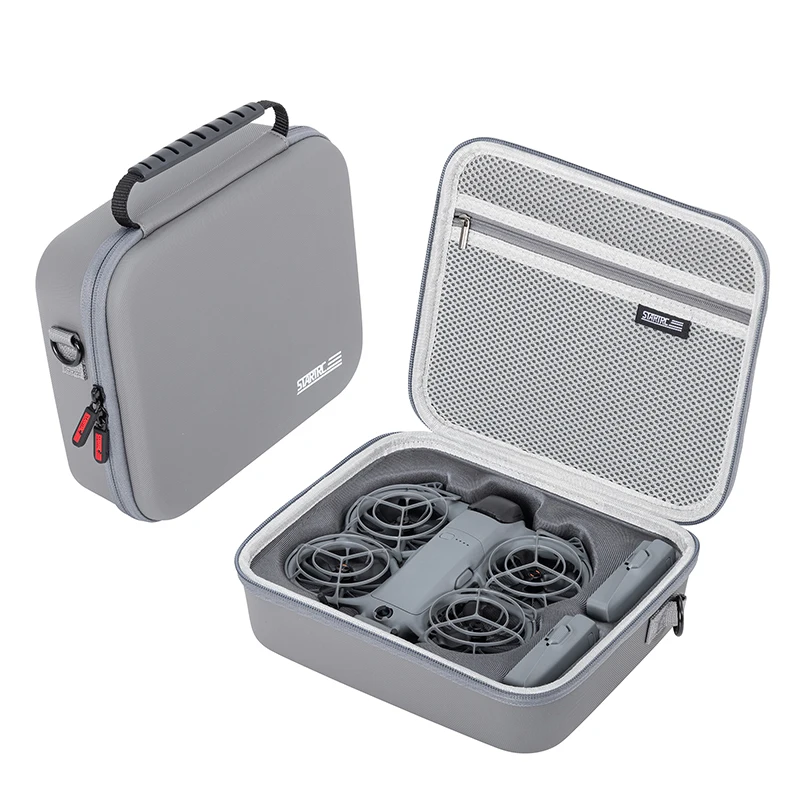
STARTRC Neo 2 Portable PU Shoulder Bag Handbag for DJI Neo 2 Drone and Battery Accessories Carrying Shockproof Case
USD 25.72
As an affiliate, we may earn a commission from qualifying purchases made through these links, at no extra cost to you.