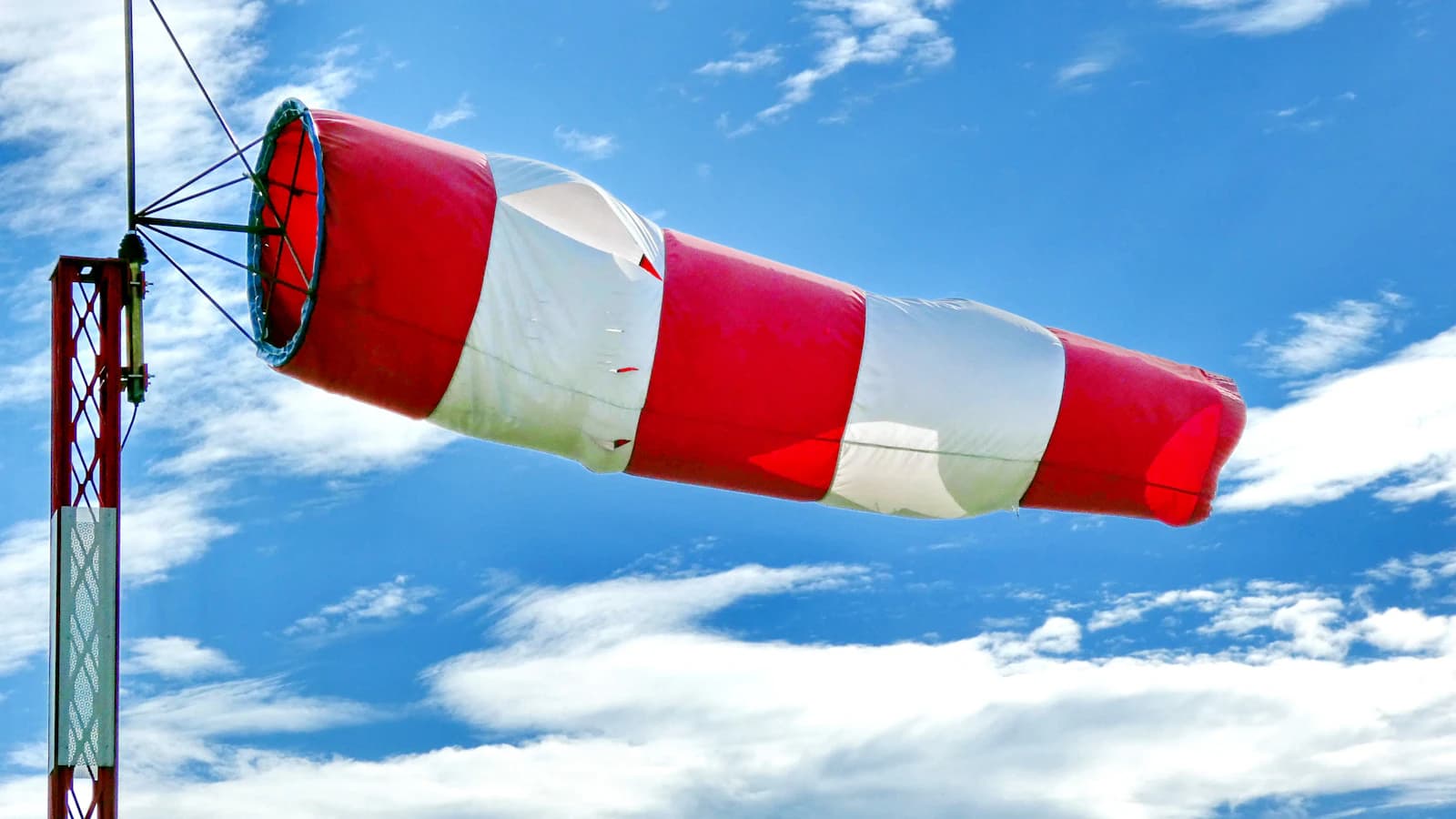
Wind is one of the most common reasons a routine drone flight goes wrong. Before you launch, run through this checklist.
Key takeaways
- Judge the gust figure, not just the average: a gust is a short peak, and it is the peak that causes sudden altitude loss, tilted footage and rough landings.
- Compare gusts with your own model's official wind rating and keep a margin below it. The rating is a ceiling, not a target.
- Wind near the ground is not the wind at 80–120 m. Check direction and wind at altitude as well as the surface reading.
- Re-check right before launch and keep watching in flight. In strong wind the way home can be the hardest part of the flight.
What the numbers actually mean
Weather apps usually show two wind numbers: a sustained (average) speed and a gust speed. The US National Weather Service glossary defines a gust as "a rapid fluctuation of wind speed with variations of 10 knots or more between peaks and lulls". Ten knots is about 18.5 km/h. NWS forecast grids define wind gust as the maximum 3-second wind speed expected within a 2-minute interval at a height of 10 meters, and NWS notes that automated stations and buoys use a 3–5 second average over a 2–10 minute interval.
Two practical points follow. First, a gust figure describes very short peaks, and a small aircraft meets those peaks as sudden pushes. Second, the standard reading height is 10 m (about 33 ft), not the altitude you will fly at. Other weather providers may use slightly different definitions, so check how your app labels its numbers.
A 15 km/h average with gusts to 35 km/h is a 20 km/h spread, which is just above the 10-knot (about 18.5 km/h) gap the NWS glossary uses to define a gust. That is far more demanding than a steady 20 km/h, because the aircraft has to absorb repeated sudden changes instead of holding one steady lean into the wind.
| Reading | What it tells you | Why it matters for a drone |
|---|---|---|
| Sustained wind | Average speed over a short period | How hard the drone leans and how fast the battery drains while holding position |
| Gust | Short peak above the average | Sudden altitude drops, tilted horizons, difficult landings |
| Direction | Where the wind comes from, and how steady it is | Turbulence near obstacles, headwind on the way home |
| Wind at altitude | Speed and direction at 80–120 m | The air the aircraft actually flies in |
Step 1: Compare the gusts with your drone's rating
The older version of this guide said most consumer drones are rated for 20–29 km/h. That does not match the official figures: in our comparison of drone wind resistance by model, the manufacturer ratings run from about 29 km/h (DJI Neo) to about 50 km/h (DJI Inspire 3 in flight), and most popular camera drones sit around 38–43 km/h. Always look up your exact model and revision on the manufacturer's page.
A rating is the most the manufacturer says the aircraft can handle, not a comfortable working speed. DJI's Air 3 manual, for example, says not to operate the aircraft in severe weather including wind speeds exceeding 12 m/s, which is the same figure as its spec sheet. Leave a clear margin below the rating, and judge by the gust figure.
Step 2: Use conservative rules of thumb
These thresholds are this guide's own conservative rules of thumb, not official limits. They are most useful for beginners and for small, light aircraft.
- Below about 15 km/h (9 mph): generally comfortable for most consumer drones.
- 15–29 km/h (9–18 mph): flyable for many models, but expect visible drift and shorter flight time; beginners should be cautious.
- Above 29 km/h (18 mph): consider postponing unless your drone is explicitly rated for higher wind resistance, and even then keep gusts well below the rating.
You can sanity-check a number against what you see on the ground. On the NWS Beaufort scale, 9 mph falls in force 3 ("leaves and small twigs in constant motion"), 18 mph is the top of force 4 ("raises dust and loose paper; small branches are moved"), and force 5 (19–24 mph) is where "small trees in leaf begin to sway". If small trees are already swaying, the wind is above this guide's upper threshold.
Step 3: Watch direction, obstacles and terrain
Wind that changes direction often creates turbulence that is harder to predict than a steady wind. The FAA's Remote Pilot study guide notes that obstructions on the ground affect the flow of wind and "can be an unseen danger", with gusts that can change quickly in speed and direction depending on the size of the obstacle and the wind speed. On the downwind side of a ridge or mountain, it says, the air is increasingly turbulent.
In practice, that means:
- Be careful launching and landing close to buildings, tree lines, cliffs and hillsides, especially on their downwind side.
- Assume the wind near the ground can differ a lot from the wind at your flight altitude. See wind shear by altitude for why.
- If you fly out with the wind behind you, the return leg is into the wind and takes more power.
Step 4: Plan the way home
DJI's Air 3 manual warns that the aircraft may not be able to return to the Home Point when the wind speed is too high, and that the battery needed for a return from a given altitude cannot be calculated accurately when the wind differs between altitudes. Other manufacturers have their own wording, so read your manual. Set a conservative return altitude and battery warning, and read return-to-home settings explained before relying on automatic return in strong wind.
Common mistakes
- Reading only the average wind and ignoring the gust figure.
- Using last night's forecast instead of a current reading for the exact location.
- Judging the wind from the launch point and assuming it is the same at 100 m.
- Flying close to the rated limit because "the drone can take it".
- Starting the return with too little battery when the wind has picked up.
Before every flight
Check a live wind and gust reading for your exact location immediately before flying. Conditions can shift within the hour, and a forecast issued the night before is not a substitute for a current reading. The FlyDroneMap dashboard shows gusts, wind at 10, 80 and 120 m, a 24-hour hourly flight-conditions timeline and a per-model wind check, so you can see both the current numbers and the trend. Then confirm:
- Gust speed is well below your model's official rating and within your own comfort level.
- Wind direction is steady, and you know where the nearest obstacles and turbulence sources are.
- Wind at altitude has been checked, not just the surface value.
- The battery is full enough for a headwind return, and the return altitude is set.
- You have a plan to land early if gusts increase.
FAQ
What is the difference between wind speed and gust speed?
Wind speed is the sustained or average value over a short period, while a gust is a brief peak above it. The NWS glossary describes gusts as swings of 10 knots or more between peaks and lulls.
Is my drone's maximum wind resistance a safe speed to fly in?
No. It is the manufacturer's stated limit, and flying near it leaves little reserve for a sudden gust or a headwind return. Keep a clear margin and judge by gusts.
Can I rely on yesterday's forecast?
A forecast helps you plan, but conditions can change within the hour. Check a live reading for your location right before takeoff.
Why does the surface reading not match what the drone feels at altitude?
Wind generally changes with height, so the aircraft can meet stronger and differently directed air than the ground reading suggests. Check wind at altitude where it is available.