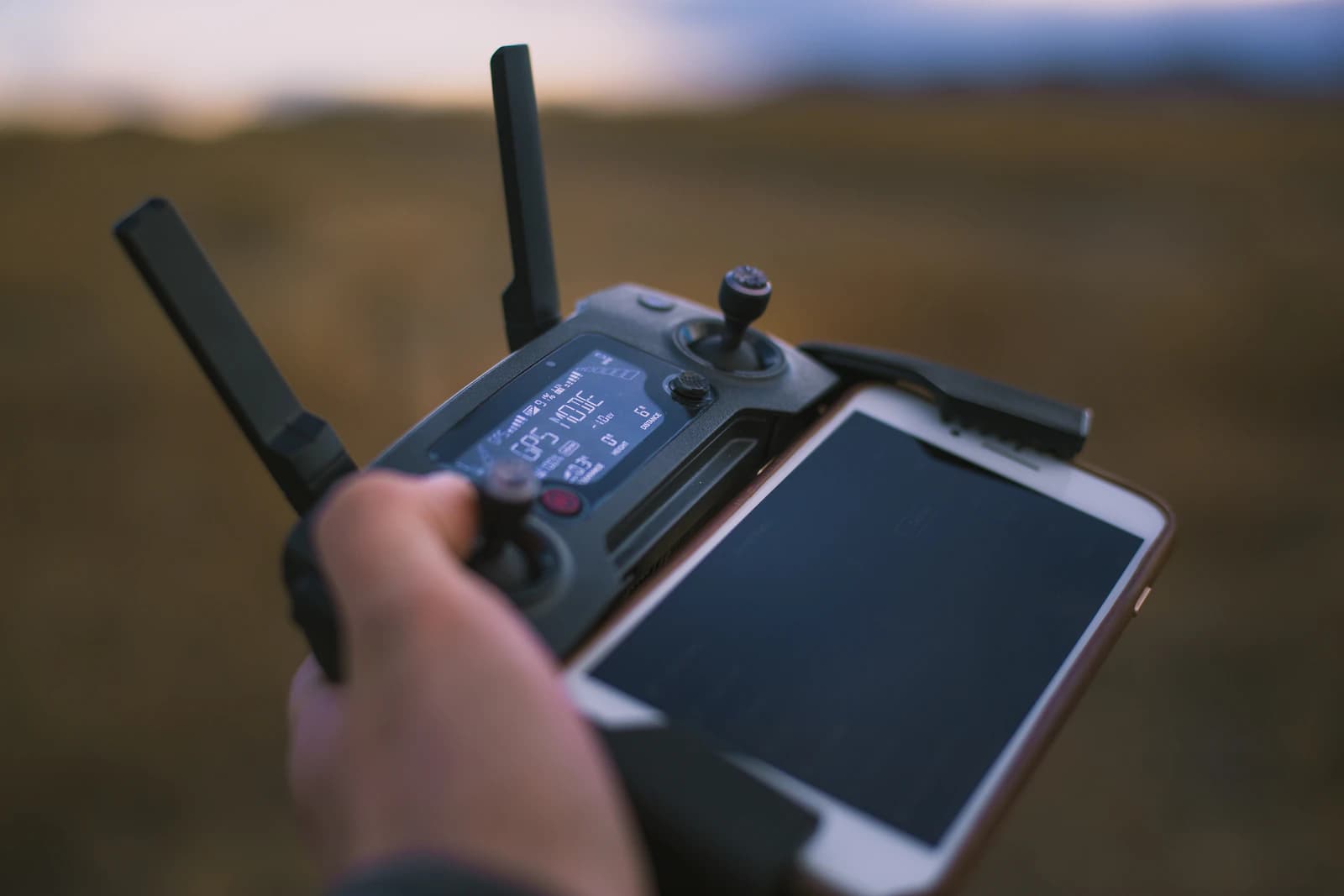
A weak or unstable GPS signal changes how your drone behaves, and knowing the warning signs before you are mid-flight matters. This guide covers how to recognise a weak lock, the usual causes, and a calm sequence of actions in the air and on the ground. Behavior differs by manufacturer and model, so treat your own manual as the final word.
Key takeaways
- Do not take off with a GPS warning on the display. Wait, move to open ground, or fly another day.
- Most weak-GPS cases come from the site, such as sky blockage and reflections, not from space weather. GPS.gov names atmospheric effects, sky blockage and receiver quality as the main factors behind real-world accuracy.
- Many drones fall back to an attitude mode without satellite positioning. DJI's Mini 4K manual says wind can then cause horizontal shifting, and that the aircraft cannot return to the home point if the GPS signal is weak or unavailable.
- Keep the drone in sight, reduce speed, move toward open sky if it is safe, and land at the nearest safe open spot.
- If the same place gives trouble on different days, treat it as a site problem and plan around it.
Recognise the warning signs
Most flight apps show a satellite indicator or a GPS status before takeoff. There is no universal satellite count that guarantees a good fix: DJI's Mini 4K manual, for example, does not publish a minimum number, and other manufacturers use their own thresholds. Treat any on-screen GPS warning, a missing home-point confirmation, or a status that stays poor as a reason to wait, not to take off anyway.
In flight, the signs are:
- Unexpected drift while hovering, or failure to hold position in wind it would normally handle.
- A position marker on the map that jumps or does not match where the drone is.
- A change in flight mode or an app message about weak GPS or an attitude mode.
- A home-point message that does not appear after takeoff, so no safe return point is stored.
Common causes, starting with the most local
Causes are listed roughly in the order worth checking.
| Cause | What happens | What helps |
|---|---|---|
| Sky blockage: trees, bridges, buildings, steep terrain | Fewer satellites are visible | Launch from open ground with a wide sky view |
| Reflections from glass, water, metal | Delayed copies of the signal distort the position; see multipath explained | Move away from the reflector |
| Interference | Local transmitter blocks or fakes the signal; see jamming and spoofing | Land, report, avoid the area |
| Ionospheric disturbance | Wide-area degradation during storms, or near the equator after sunset; see scintillation | Check conditions, delay, or fly by hand |
| Receiver issues | Antenna, firmware or hardware problem | Follow the manufacturer's service advice |
GPS.gov lists atmospheric effects, sky blockage and receiver quality as the three main factors behind the accuracy users actually experience. For each of them, your own site is the part you can change. For space-weather conditions in your area, check the FlyDroneMap dashboard.
Before takeoff
- Power on in the open and wait for the app to confirm a usable GPS status and a recorded home point. DJI's Return-to-Home documentation lists a successfully recorded home point among the conditions for automatic return.
- Do not take off from under a roof, between buildings, or close to a glass wall.
- Keep metal and strong magnetic sources away; if a compass warning appears, see compass calibration and magnetic interference.
- Check the home point location on the map. If it is clearly wrong, restart in a better spot instead of flying.
- Run through a full preflight routine rather than checking only the GPS status.
What to do if it happens mid-flight
- Stay calm and keep the drone in sight. Look at the aircraft first, then at the screen.
- Reduce speed and avoid sudden inputs. Without satellite positioning the drone may not hold against wind. DJI's Mini 4K manual says that in ATTI mode wind can cause horizontal shifting.
- Switch to the manual or attitude-type mode your aircraft offers if it has not already done so. How this works depends on the model.
- Move toward more open sky if that is safe and legal, since sky blockage is one of the main factors in GPS performance. Do not climb above the legal height limit and do not fly into obstacles to look for a signal.
- Land at the nearest safe, open spot. Do not insist on returning to the exact takeoff point.
Do not rely on Return-to-Home alone
RTH uses satellite position. DJI's RTH documentation says a strong GPS signal and a recorded home point are preconditions for failsafe RTH, and the Mini 4K manual says the aircraft cannot return to the home point if the GPS signal is weak or unavailable. If the signal becomes weak after RTH starts, that manual says the aircraft will hover in place. Other brands differ. See Return-to-Home settings explained for the settings you should check ahead of time.
Vision positioning is not a replacement for everything
Some drones have a downward vision system that helps hold position at low altitude. DJI's Mini 4K manual says it cannot work properly over surfaces without clear patterns or in weak light, and that it works best at an altitude of 0.5 to 10 m. So over water, snow, dark ground or at night it may not help, and above 10 m that system should not be assumed to help. Check your own model's limits.
After landing
If a weak signal recurs at the same place on different days, treat it as a site-specific issue, such as nearby structures or reflections, and plan around it. If it follows the drone to different places, check firmware, antenna condition and the manufacturer's support pages. Note the time and place; that information is useful if the cause turns out to be interference or a regional disturbance.
FAQ
How many satellites do I need?
There is no universal number. DJI's Mini 4K manual, for example, does not specify a minimum satellite count, so rely on your drone's own status indicators and warnings.
Can I just fly in attitude mode?
It is possible on many drones, but without satellite positioning the aircraft can drift with the wind and needs active stick input. Fly it only if you are trained for it and in a safe open area.
Does a high Kp index always cause weak GPS?
No. Most weak-GPS cases come from the site. Space weather can degrade GPS, but ground-level causes are worth ruling out first.
What should I do if GPS drops right after takeoff?
Keep the aircraft in sight, stop climbing, and land as soon as it is safe, then work out the cause on the ground.