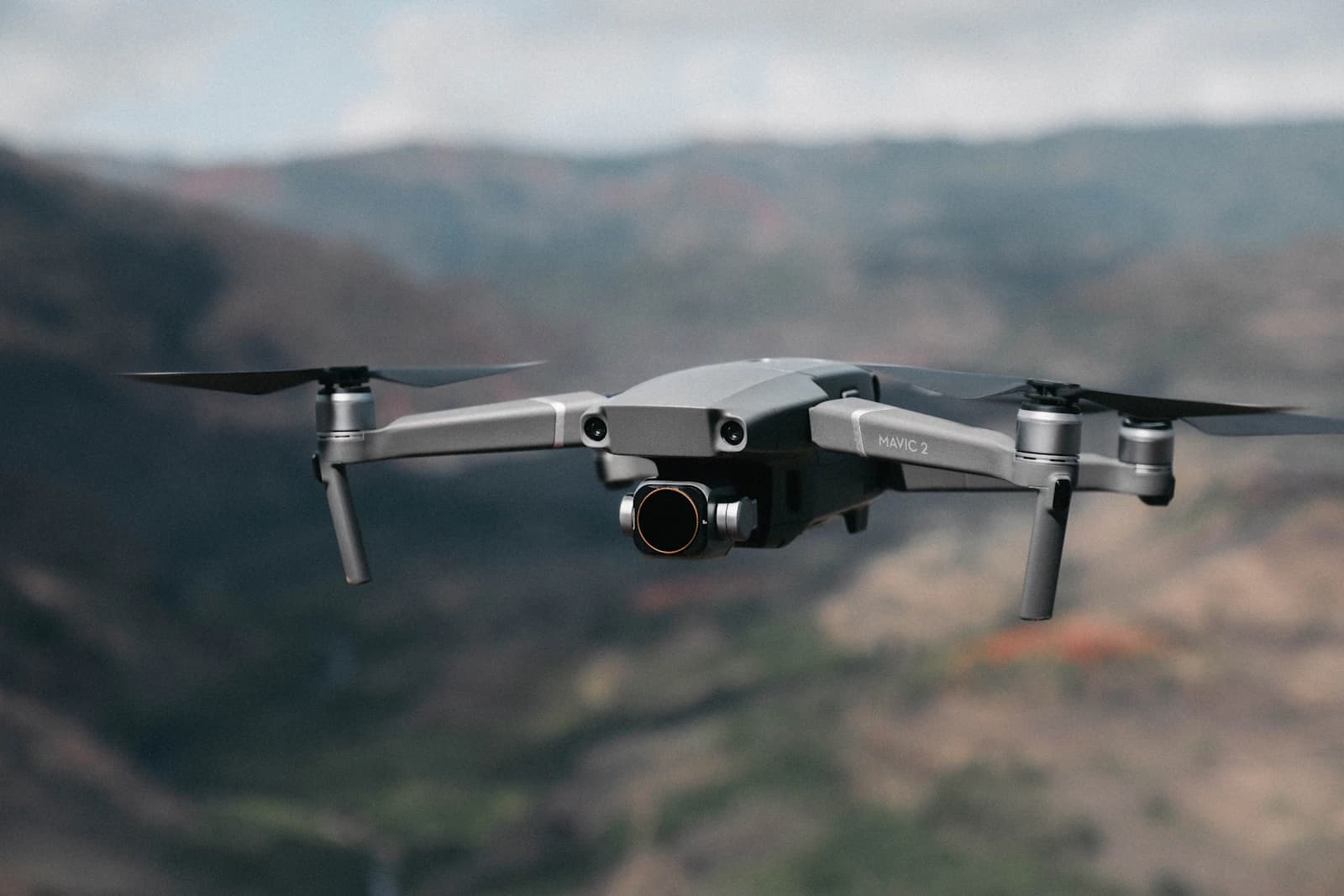
Wind doesn't just challenge flight stability — it directly affects footage quality unless camera settings are adjusted to compensate.
Key takeaways
- Camera settings can improve footage in breezy conditions, but they cannot make an unsafe wind safe. Decide whether to fly first, using gusts and your model's official rating.
- For video, keep the shutter speed near the 180-degree rule (about twice the frame rate). Use a stronger ND filter to hold it in bright light instead of letting the shutter drift very fast.
- Shorter shutter speeds suit stills; for video they make motion look choppier even though each frame is sharper.
- Fly lower where it is safe and legal, shoot a little wider than you need, and plan on digital stabilization in post.
Settings do not replace the wind decision
Before touching the camera, check the wind. Look at the gust figure rather than the average (the NWS glossary defines a gust as swings of 10 knots or more between peaks and lulls), compare it with your aircraft's rating in the wind resistance by model guide, and remember that the wind at flight altitude can be stronger than at the ground. If the aircraft is struggling to hold position, no exposure setting will rescue the shot, and the safe choice is to land. The FlyDroneMap dashboard shows gusts, wind at 10, 80 and 120 m and a 24-hour hourly timeline, which also helps you pick a calmer window to shoot in.
Shutter speed: keep the 180-degree rule for video
The 180-degree rule says to set the shutter speed to roughly double the frame rate: about 1/50 s at 24–25 fps, 1/60 s at 30 fps and 1/120 s at 60 fps. DJI's own ND filter guide says filmmakers use ND filters to keep the preferred shutter speeds to obey the 180-degree shutter rule, which it says gives a more cinematic look with proper motion blur.
In wind, it is tempting to shorten the exposure to freeze every small shake. Be aware of the trade-off, which comes from general exposure principles rather than a manufacturer rule: a faster shutter records less blur in each frame, but the motion between frames then looks more staccato, and small residual movements of the aircraft can look sharper and more noticeable. A modest increase over the rule can be worth testing, but it is a trade-off, not a cure. For still photos, a faster shutter speed is the usual way to avoid blur from movement.
ND filters: hold your shutter speed in bright light
Windy days are often bright and clear. In bright light the camera needs a lot less light, so without an ND filter the exposure ends up with a very fast shutter speed or a closed-down aperture. DJI describes ND filters as working like sunglasses for the camera, reducing the light that reaches the sensor so you can keep the shutter speed you want. A stronger ND filter lets you hold the target shutter speed at a low ISO without overexposing.
Each extra stop of ND allows the shutter time to be doubled at the same exposure. Check your drone's filter set and manual to see which strengths are available. DJI also advises using its official ND filters, because they are designed to work with the gimbal camera's center of gravity. Wind already adds disturbance, so there is little reason to add a poorly fitting accessory on top.
Gimbal and flight style
Most drones let you adjust gimbal behavior in the app, such as how quickly it follows tilt and pan commands. Names and options differ by model, so check your manual. In general, favor smooth, slow gimbal and stick inputs in wind. You are less likely to need fast reframing than gentle motion.
Some practical habits help the footage:
- Plan shots so that the main movement runs along the wind direction rather than straight across it where you can.
- Avoid sharp yaw and tilt moves during gusts; wait for the air to settle.
- Keep a reserve of battery. A headwind leg uses more power, and DJI's Air 3 manual warns the aircraft may not be able to return to its Home Point when the wind speed is too high.
Altitude: lower can be calmer, but not always
Wind speed generally increases with height near the ground. The US National Renewable Energy Laboratory notes that typical land-based conditions use a shear exponent of approximately 0.14, which puts wind at 120 m at about 1.4 times the 10 m value. Flying somewhat lower, while keeping obstacle clearance and respecting local altitude rules, can therefore mean calmer air and steadier footage. This is a typical-conditions estimate. Near buildings or ridges the air can be rougher at low level (the FAA's Remote Pilot study guide says obstructions affect the flow of wind and can be an unseen danger), and during inversions the pattern can differ, so read wind shear by altitude and check the wind at altitude.
Post-production: leave room to stabilize
Even with good settings, footage shot in wind often benefits from digital stabilization. Stabilization crops into the frame, so shoot with a slightly wider frame than your final crop to avoid black edges. If your camera has resolution to spare, such as 4K footage for a 1080p delivery, you can crop and stabilize without losing sharpness.
Common mistakes
- Pushing the shutter very fast to hide shake and getting choppy motion.
- Leaving exposure on auto in bright light so the shutter speed drifts upward.
- Using a poorly fitting third-party filter that shifts the gimbal's balance.
- Continuing to fly when the aircraft is struggling, to finish a shot.
- Framing too tight to allow for stabilization crop.
FAQ
What shutter speed should I use for video in wind?
Start with about twice the frame rate, for example 1/60 s at 30 fps. A moderately faster shutter is a possible trade-off, but it makes motion look choppier.
Do I need a stronger ND filter in windy weather?
Wind itself does not require it, but windy days are often bright. A stronger ND filter helps you hold your target shutter speed at a low ISO in that light. See the ND filter guide.
Can camera settings make a windy flight safe?
No. Settings only affect the look of the footage. Safety depends on gusts, your aircraft's rating and the wind and gust checklist.
Is the footage better if I fly lower?
It can be, because wind often increases with height, but terrain and inversions can change this. Check wind at altitude and keep obstacle clearance.