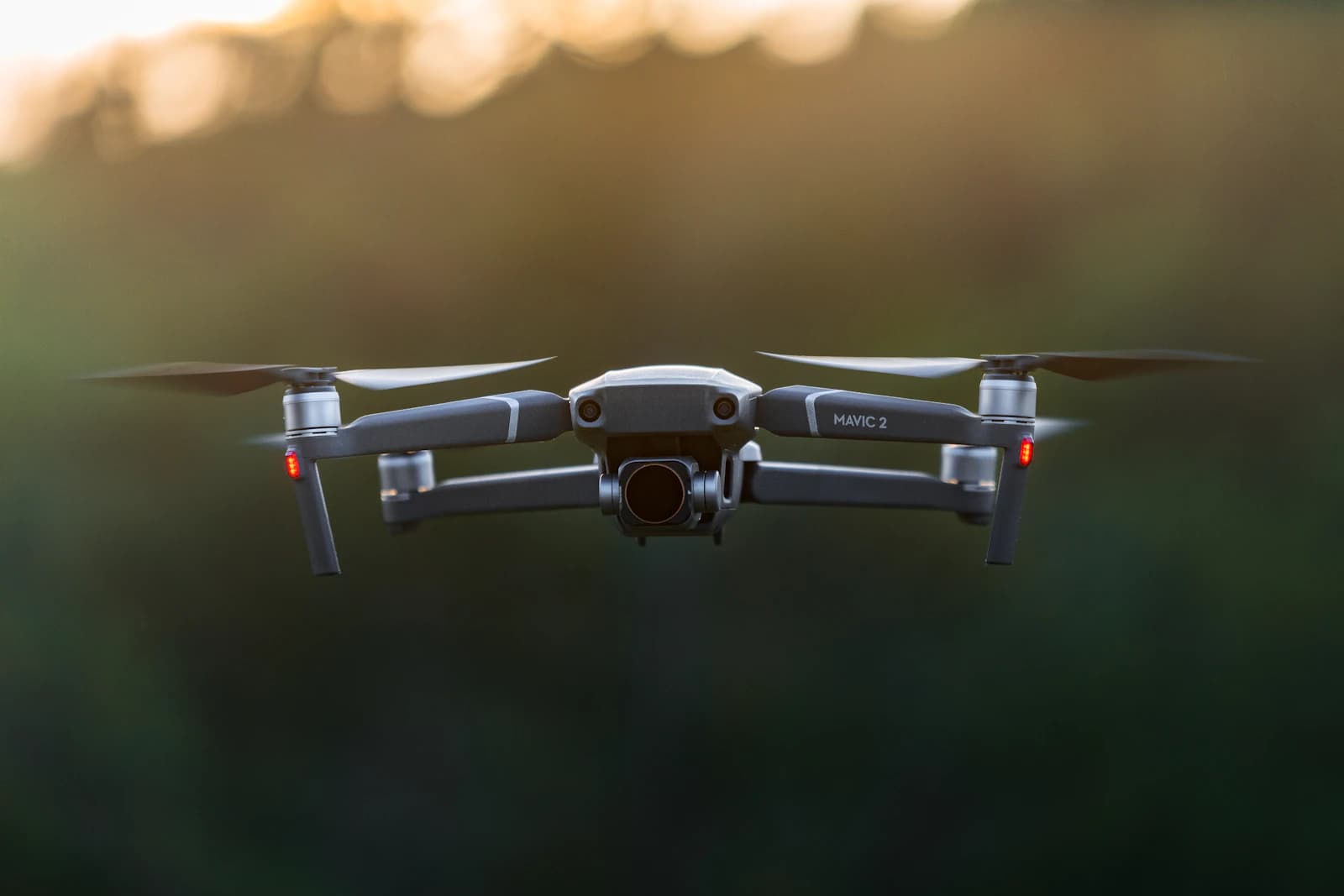
If you've ever checked a 60% humidity forecast, decided it looked fine, and then watched your lens fog over the moment you powered on, the real culprit probably wasn't humidity at all — it was the dew point. The same relative humidity reading means very different amounts of actual moisture depending on temperature, so predicting fogging requires looking at the temperature-dew point spread, not the humidity percentage.
Why the temperature-dew point spread matters more than humidity %
60% relative humidity at 10°C and 60% at 30°C represent very different amounts of water vapor in the air, because warmer air can hold more moisture at the same relative percentage. Dew point, on the other hand, is the specific temperature at which air becomes saturated and condensation begins — so how close the current air temperature is to the dew point is a far more direct predictor of surface condensation. Aviation weather forecasting commonly treats a temperature-dew point spread under about 3°C (roughly 5°F) as a strong indicator that fog or surface condensation risk is rising sharply. A pre-dawn flight with a temperature of 14°C and a dew point of 13°C — a 1°C spread — carries serious lens-fogging risk regardless of what the humidity percentage on the forecast app says.
Why the lens and gimbal glass fog up before anything else
Camera lenses and gimbal covers are thin, low-thermal-mass surfaces that react to ambient temperature changes faster than almost any other part of the drone. The moment a surface's temperature drops below the surrounding air's dew point, condensation begins instantly — the same effect as eyeglasses fogging up the second you walk from a warm room into cold air. Leave a drone in a car trunk or outdoors overnight and then take it straight into humid morning air, and the still-cold lens surface meets relatively warmer, moister air and fogs before anything else on the aircraft does.
Common mistakes pilots actually run into
The most common mistake is judging conditions from a single humidity number. A 50% humidity reading for an inland area can look perfectly safe, but flying directly over a lake or river creates a pocket of air much closer to the dew point than the general forecast suggests, and the lens can fog regardless of what the app says. Another frequent mistake is pulling a drone straight out of an air-conditioned car into hot, humid outdoor air — in that scenario the lens surface fogs first and more severely than the drone's internal electronics. A third is opening the battery or SD card compartment in humid outdoor air; once moist air gets trapped inside a sealed housing, there's no way to wipe it away later if condensation forms internally.
How to prevent it before you fly
- Check both the dew point and the temperature before flying, not just the humidity percentage — treat a spread under about 3°C as a real fogging risk.
- When moving between a heated indoor space or car and cold outdoor air, let the drone sit out of its case for 10-15 minutes to acclimate before powering it on.
- Store the drone and camera bag with silica gel packs so less trapped moisture rides along the moment you take the gear out.
- In humid outdoor conditions, swap batteries or SD cards indoors or in the car whenever you can, rather than in the open air.
- Never launch with a visibly fogged lens — wipe it gently with a dry microfiber cloth, or let it clear naturally, before taking off.
What to do if it fogs mid-flight
Continuing to shoot through a fogged lens gets you nothing but hazy footage, and if moisture has worked its way inside the gimbal housing, it's safer to land and let it dry out completely rather than push through the flight. Fogging on the inside of the gimbal glass in particular won't clear no matter how much you wipe the outside — leave the aircraft in a dry, room-temperature spot and let the moisture dissipate on its own.