Rain gets all the attention, but humidity causes damage in a different, slower way — through condensation and corrosion that build up quietly instead of showing up as an obvious warning during flight.
Condensation is the real danger, not just moisture in the air
Water doesn't need to be falling for it to end up inside your drone. If the drone's internal temperature is colder than the surrounding air's dew point — for example, after it's been sitting in an air-conditioned car or house and is then carried out into warm, humid air — moisture condenses directly onto the circuit boards and connectors as soon as it's exposed. This is the same effect as a cold glass sweating on a humid day, except the "glass" here is a flight controller.
Corrosion builds up over repeated exposure
A single humid flight rarely causes a failure by itself, but repeated exposure oxidizes battery contacts, motor bearings, and connector pins over weeks or months. Oxidized contacts increase electrical resistance, which shows up as intermittent power drops, a motor that stutters under load, or a battery connection that suddenly reads as "not detected" even though it's seated correctly. A greenish or white residue on contact points is a visible sign this has already started.
The barometer can be fooled by moisture
Most drones estimate altitude using a barometric pressure sensor that has to stay open to outside air by design. In very high humidity, water droplets or a thin film of moisture near the sensor opening can distort its pressure readings, leading to unstable altitude hold or a slow drift up or down even when the drone hasn't been given any climb or descend command.
Practical steps to protect your drone
- Let the drone sit at ambient outdoor temperature for 10-15 minutes before powering it on after moving it from an air-conditioned space.
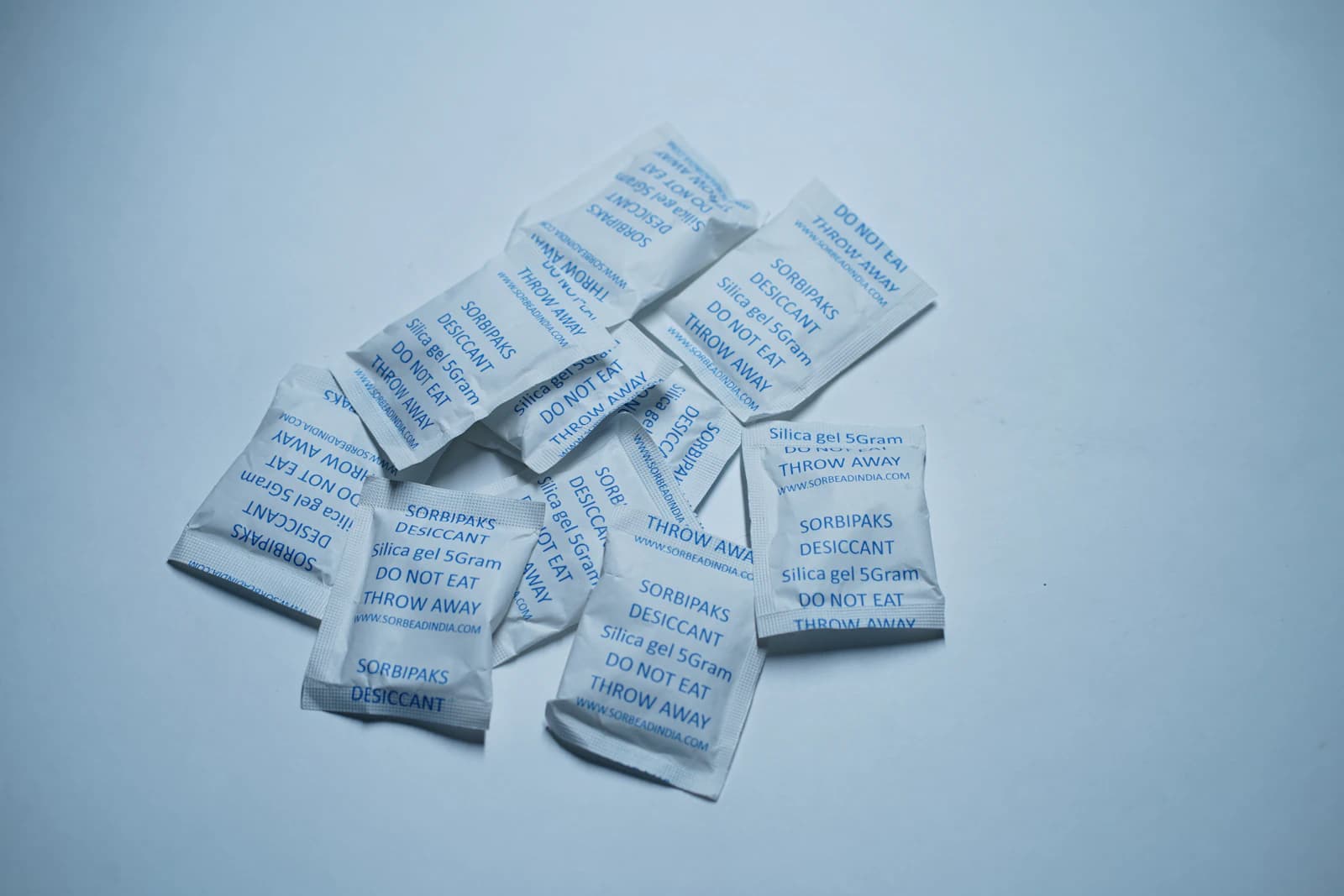
- Store the drone and batteries with silica gel desiccant packs, especially if you fly regularly in tropical or coastal climates.
- Dry the drone thoroughly, including battery contacts and the gimbal, after flying in high humidity or near water — don't just wipe the outer shell.
- Check battery and motor contacts periodically for corrosion; clean light oxidation with an electronics-safe contact cleaner rather than ignoring it.
- If you fly often in consistently humid conditions, consider a drone model with an IP rating designed for that environment.
When to ground the drone
Visible condensation inside the camera housing or battery compartment, a battery that feels damp to the touch, or altitude readings that drift without input are all signs to land, power down, and let everything dry out completely before the next flight — flying through it rarely fixes itself and can turn a minor issue into a shorted component.